01
Choose your workspace.
The planned workspace brings selected documents and project files into a task.
Working with files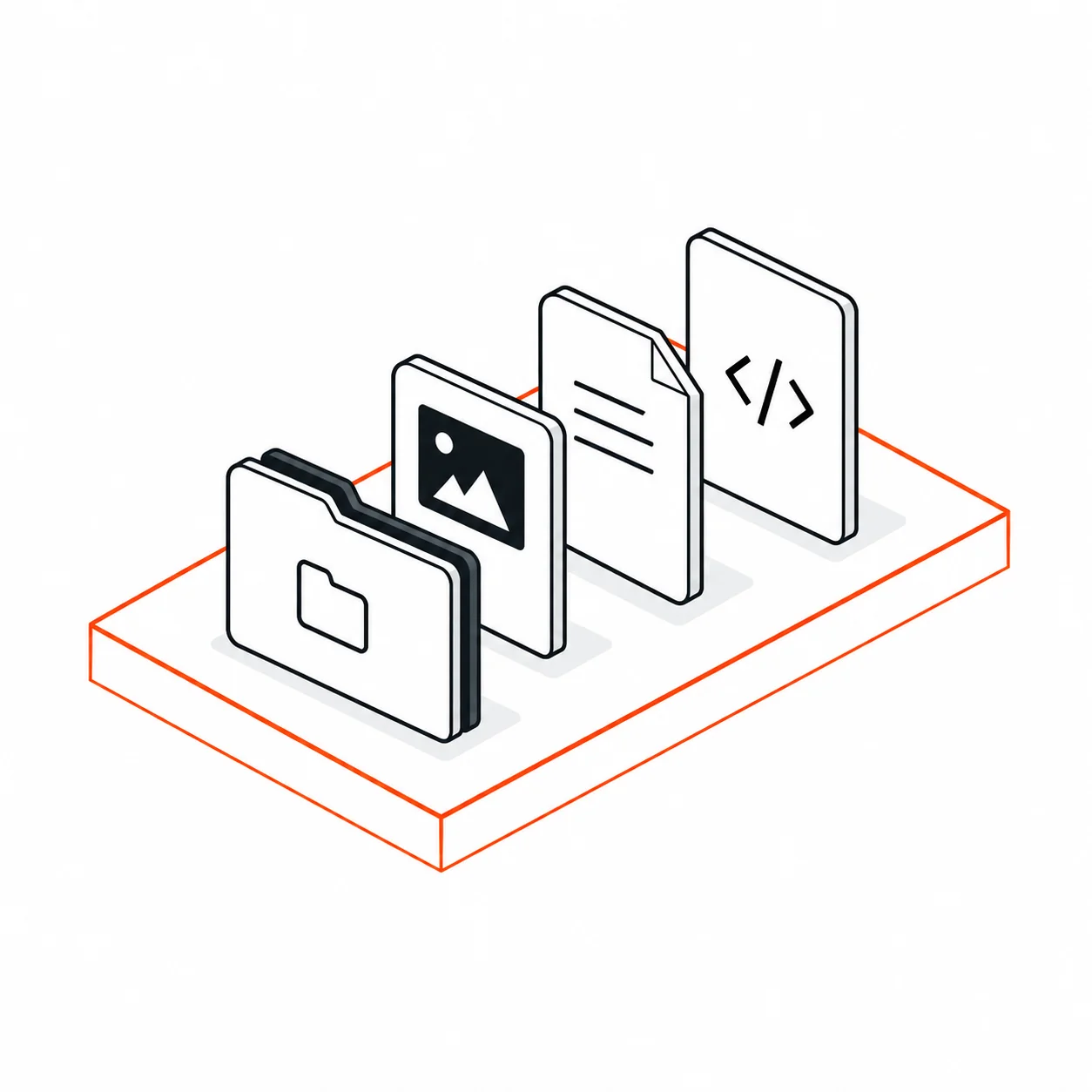
Select files and foldersExample file selection
We’re building private local AI for military, government and legal teams to work with approved documents and code on their Macs.
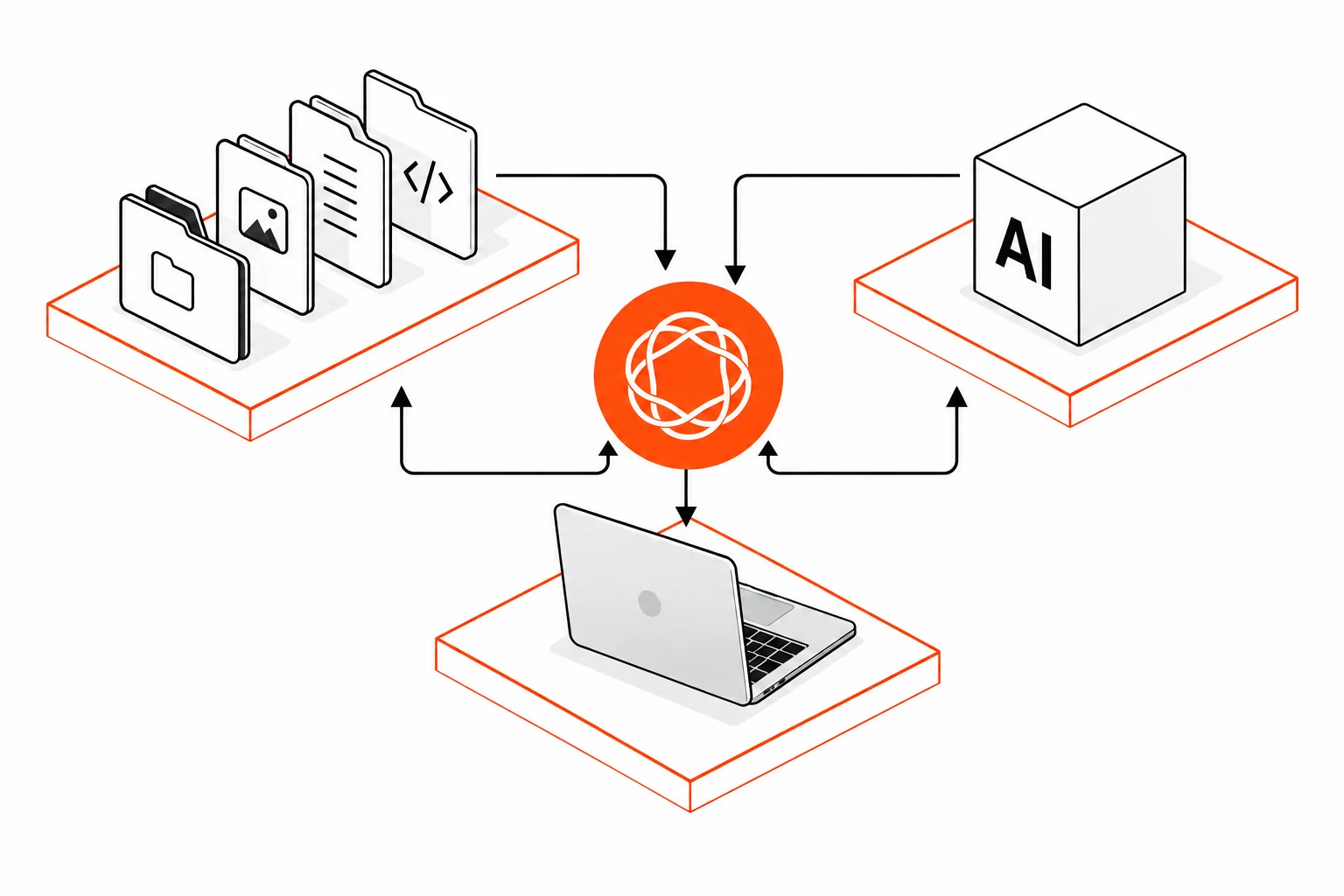
The planned workspace brings selected documents and project files into a task.
Working with files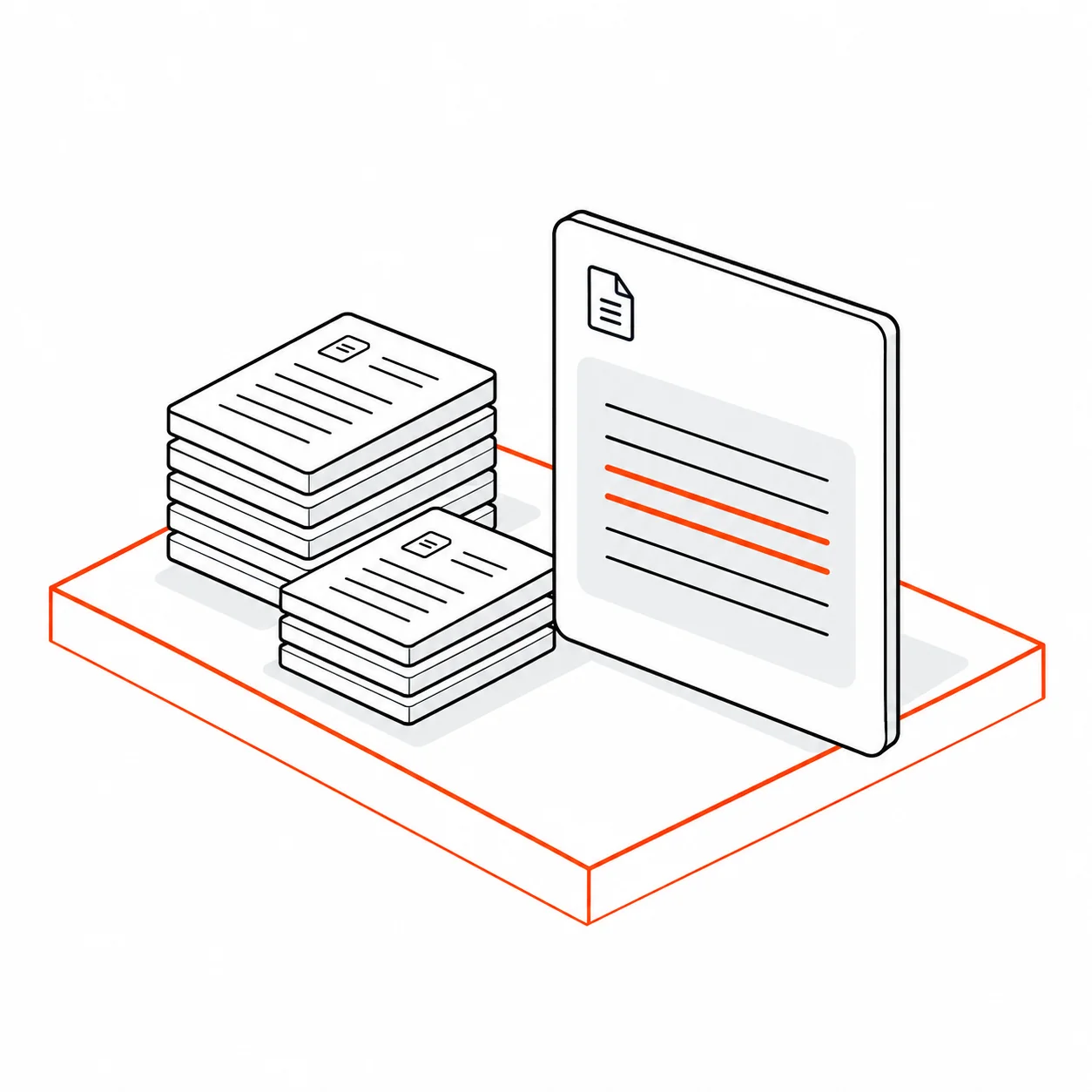
 Qwerty
Finish the signup page before the June 12 launch.
Project brief.pdf · p. 2 Example answer and citationFind where two reports disagree, or ask what changed in a project. Open the references to see the files behind an answer.
See an exampleThe design calls for drafts and proposed patches to be reviewed before they change your files.
Planned approvals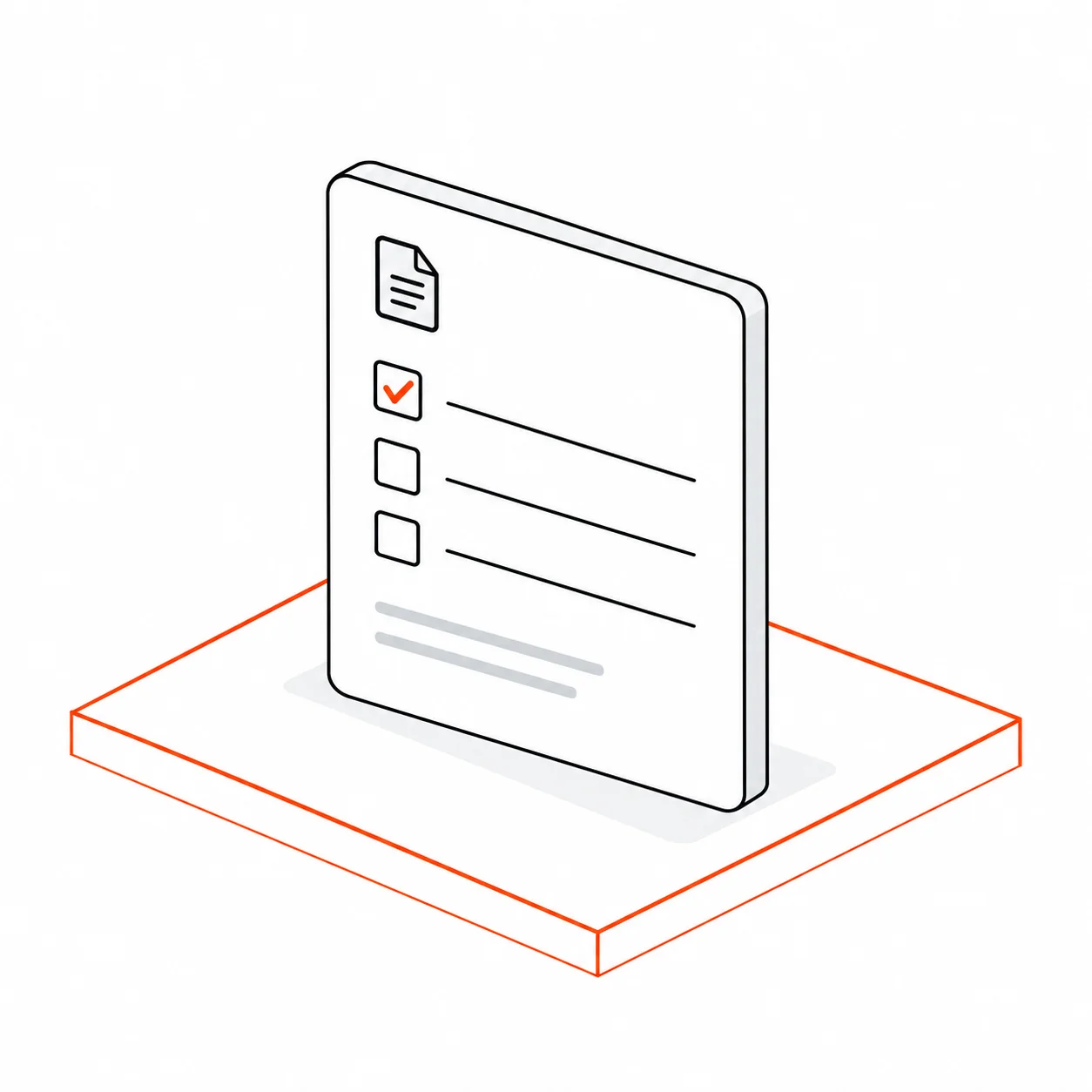
Save the launch tasks as a note in this project.
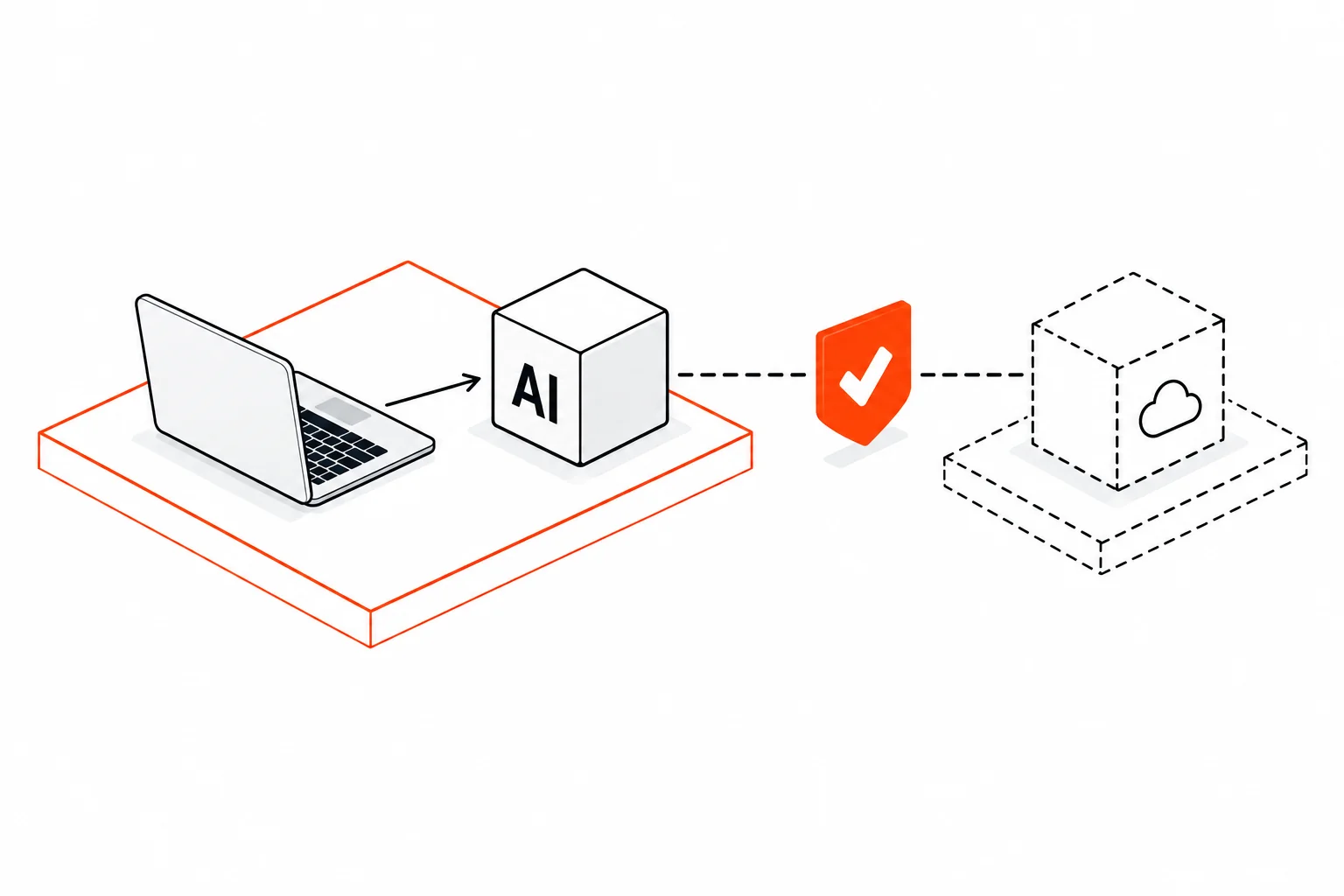
We’re designing for local models on Apple Silicon, with separate approval for optional external providers. Model quality, memory use and speed will need to be evaluated on the intended hardware.
DEFENSE FIRST. PRIVATE WORK ACROSS SECTORS.
Evaluate approved manuals, document versions and source-linked answers on your actual Macs.
Defense workflows →02 / GOVERNMENTWork through approved policies and administrative records with a clear source and review trail.
Government workflows →03 / LEGALEvaluate supplied-file questions and contract-playbook comparisons with professional review.
Legal workflows →